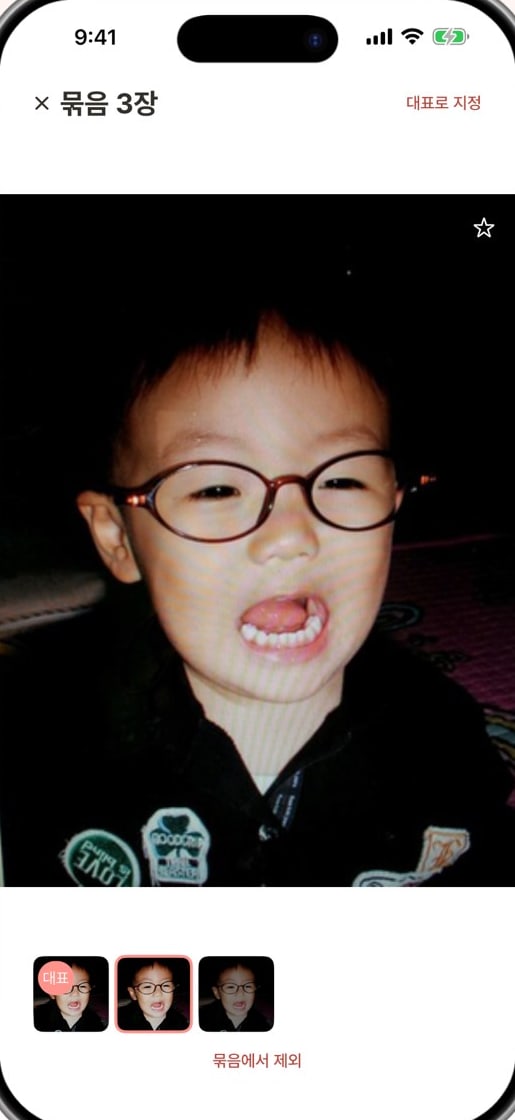
Add a person
One photo is all it takes
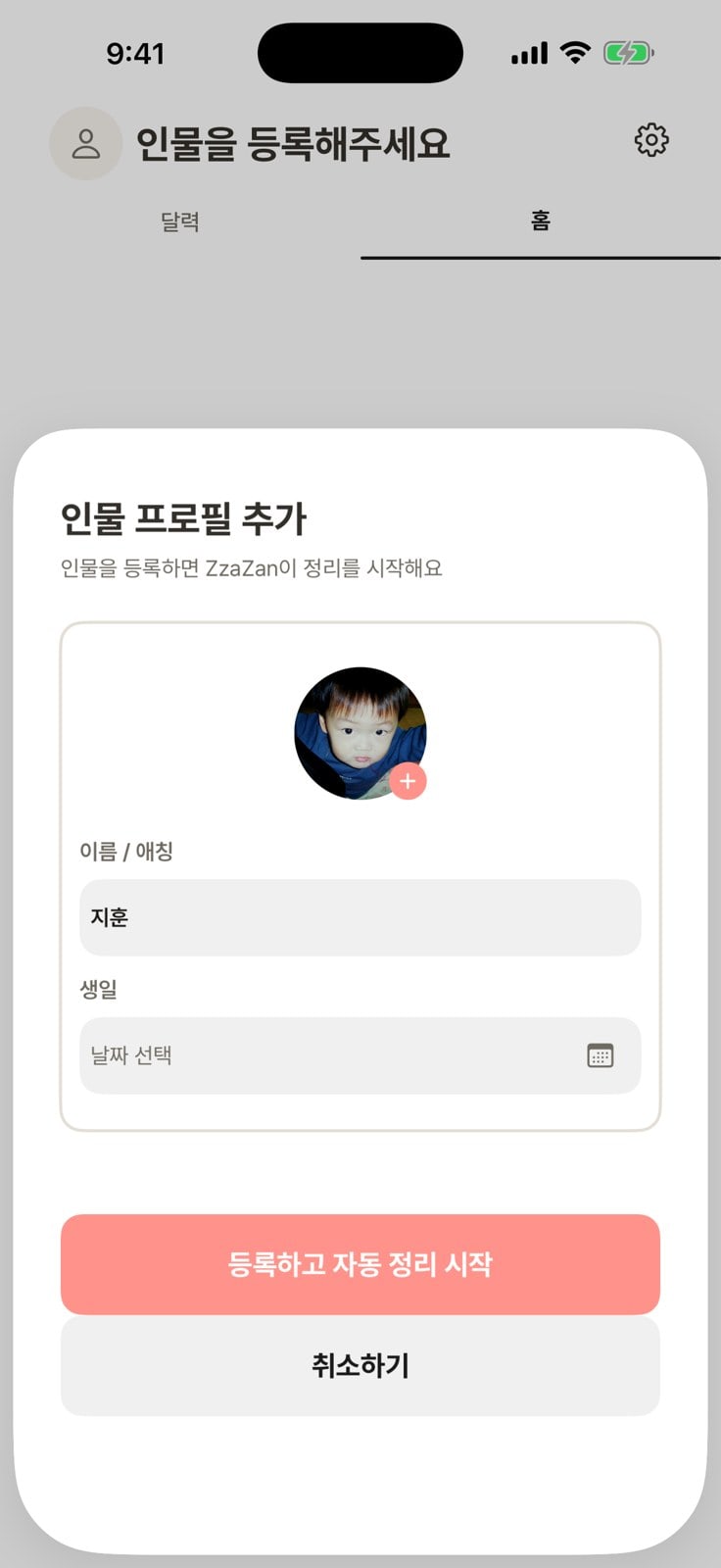
Pick a face found in a photo and add a name — photos of the same face are organized together. Add a birthday to find the 100th day or first birthday, too.
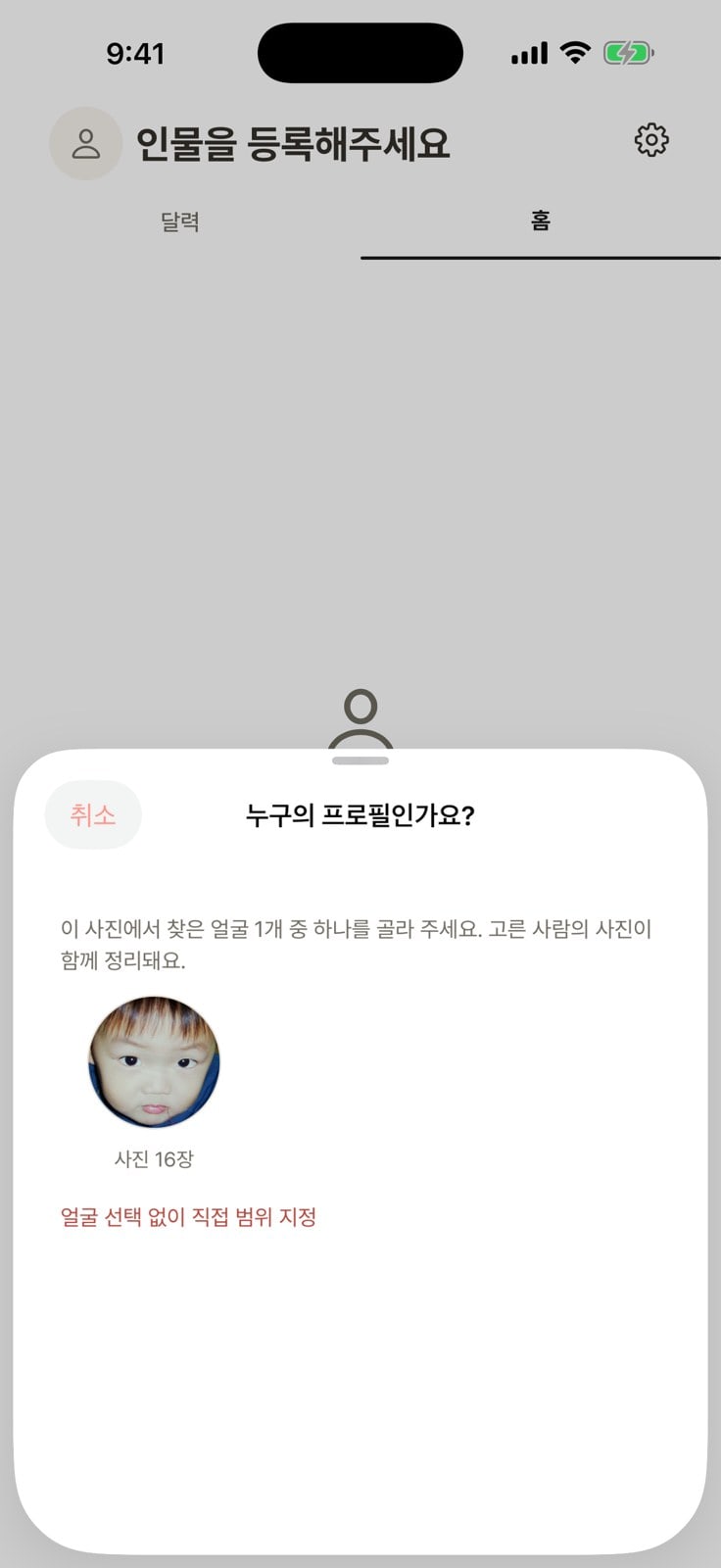
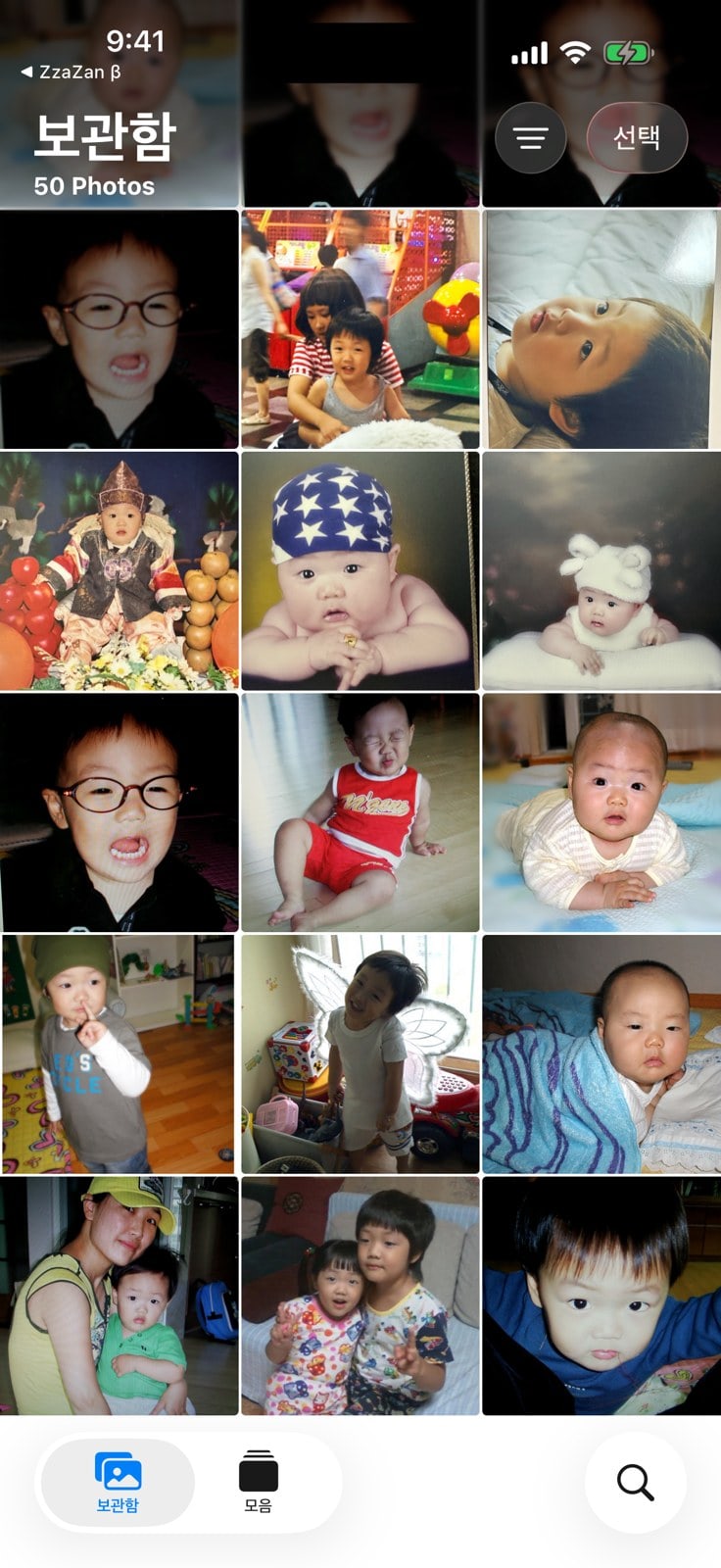
Zzazan recognizes faces on your device and gathers your child's photos from a scattered camera roll. Similar shots are narrowed to the best one, and the photos you pick go straight to your family groups.
We're preparing the App Store and Google Play releases.
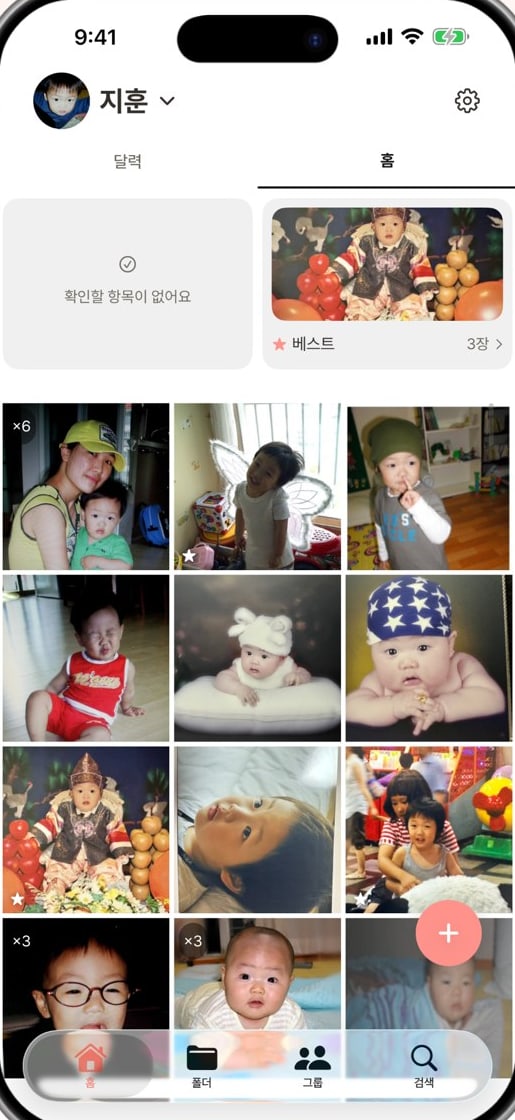
On-device firstPhoto and face analysis on your phone
You decide what goes upAuto-upload is off by default
A 30-day marginRestore deleted originals and past versions
No more hours lost to sorting photos. Three steps, and the whole family sees the same moments.
On-device AI sorts your child's photos out of the camera roll.
Learn more — CollectThe best shot of each similar set becomes its key photo.
Learn more — PickThe photos you pick go straight to your family's shared group albums.
Learn more — ShareRegister your child from a single photo. Zzazan recognizes the face on your device and gathers that child's photos by date.
Pick a face found in a photo and add a name — photos of the same face are organized together. Add a birthday to find the 100th day or first birthday, too.
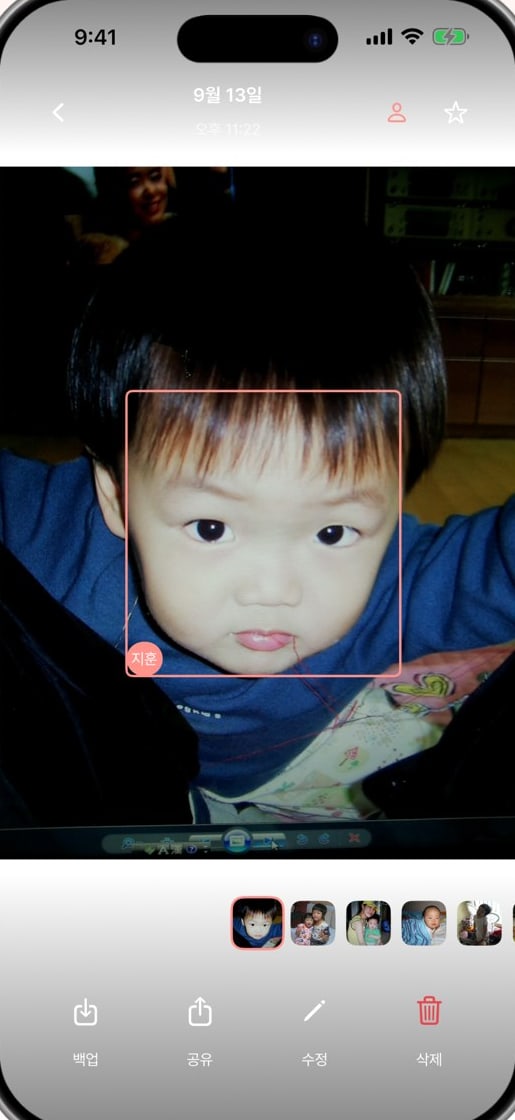
Face boxes and names show who's who at a glance. The analysis stays on your device.
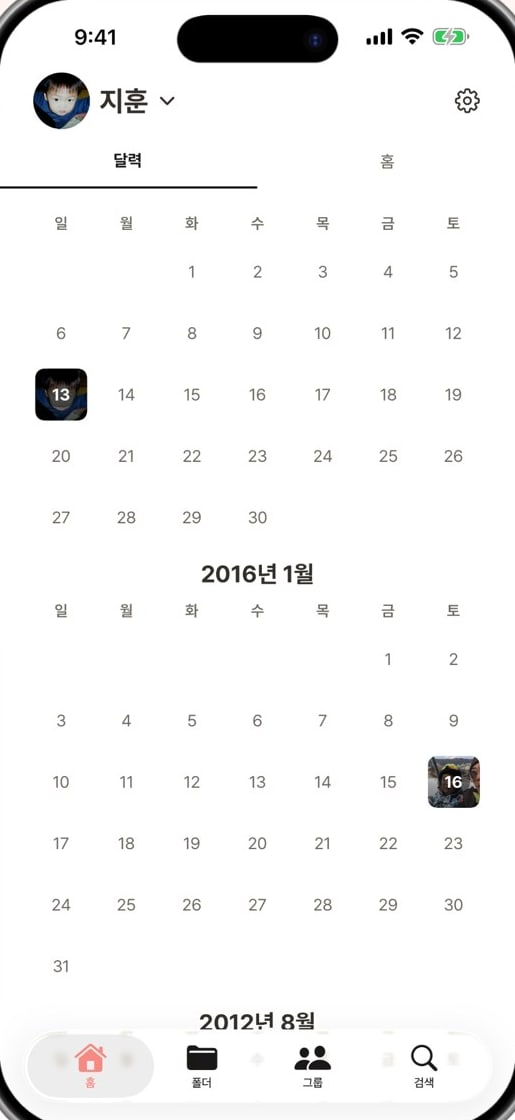
Days with photos show that day's shot right on the calendar.
Similar photos taken in a row become one set, and a key photo is picked by weighing face quality, sharpness, and smiles. Your home feed keeps just that one.
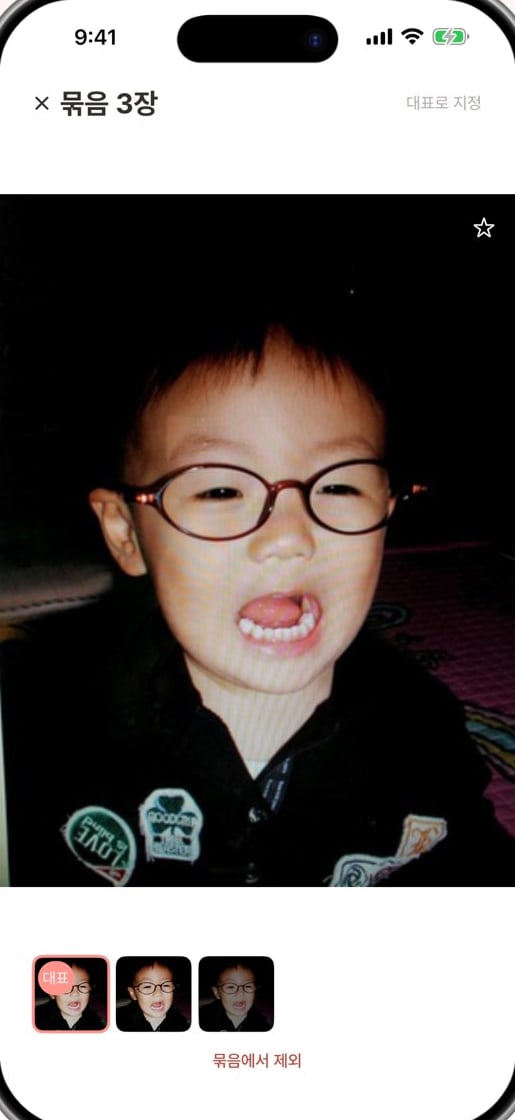
Weighed by face quality, sharpness, and smiles
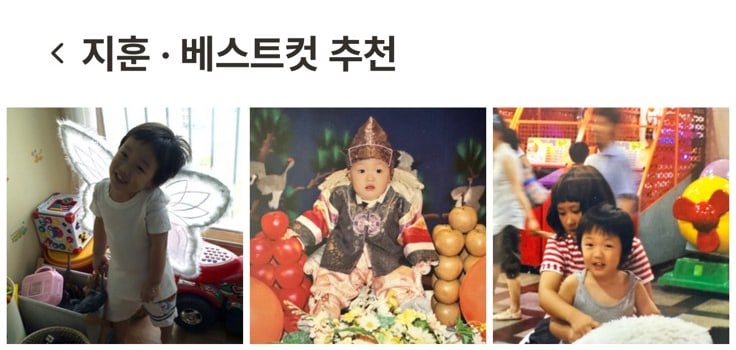
Tap Best on the home screen to see only that child's best shots.
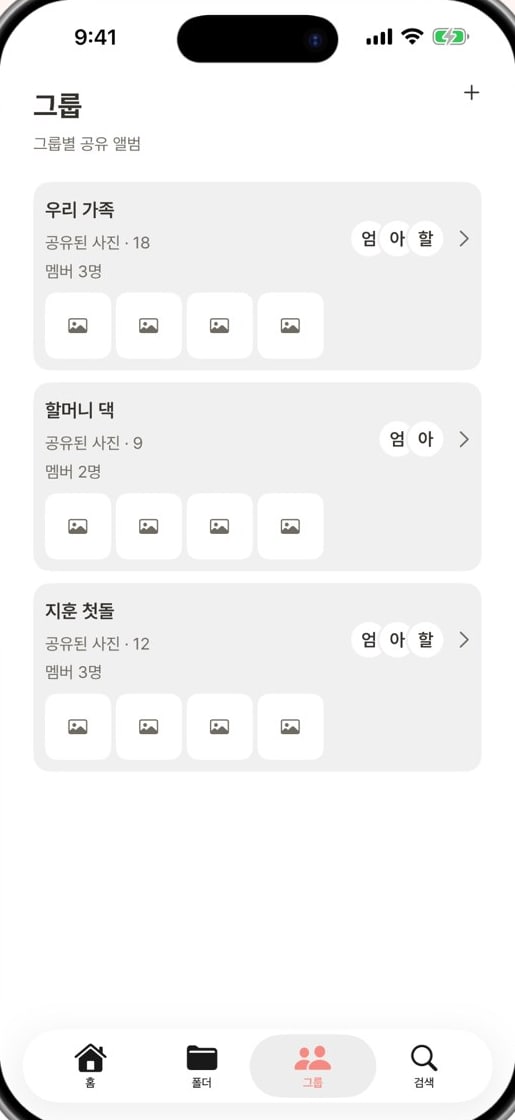
Split groups the way your family is — grandparents on each side, daycare — and photos reach only the people you choose, only as far as you allow.
Make groups like Our family, Grandma's, or First birthday, and see shared photos and members at a glance.
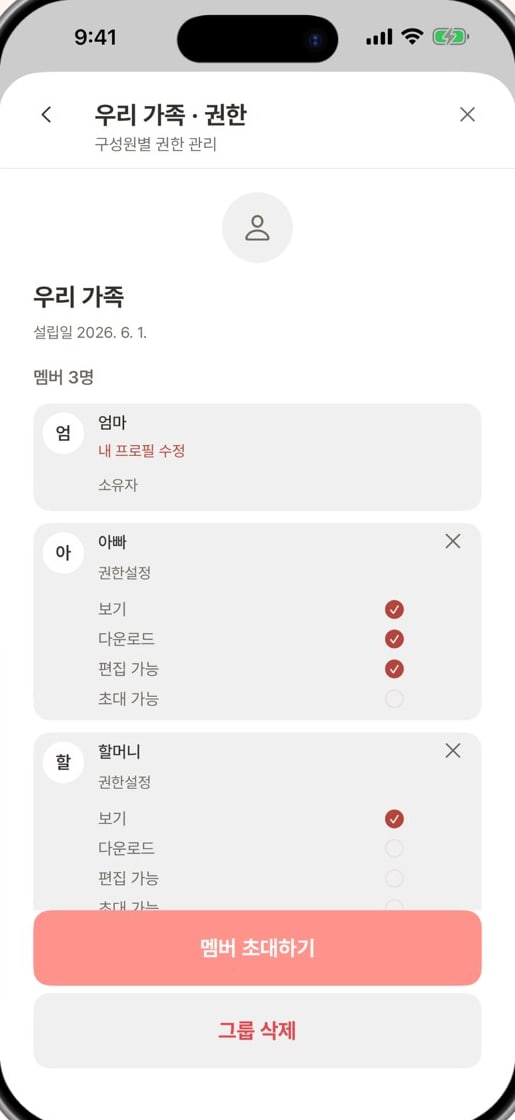
Turn view, download, edit, and invite on or off for each member.
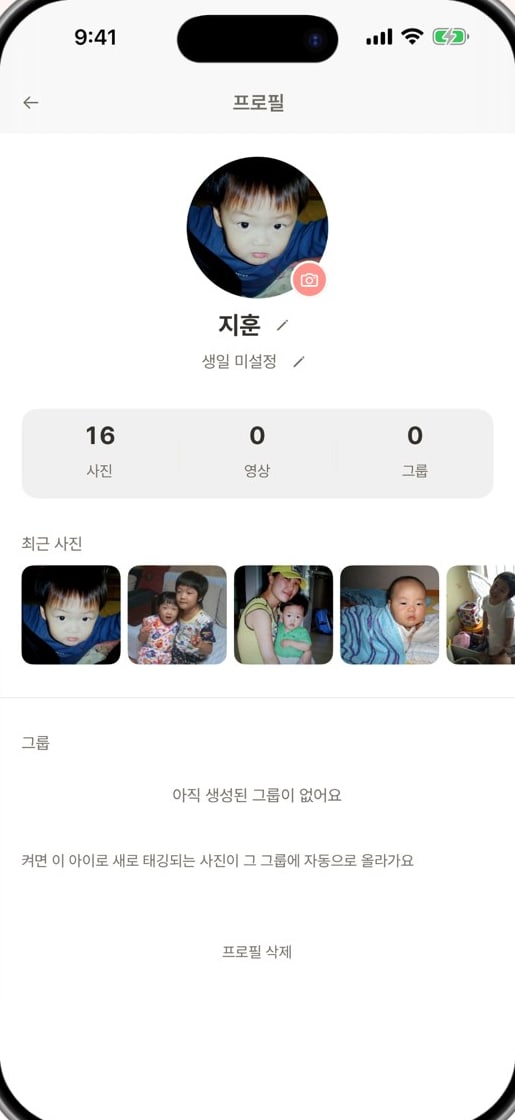
Turn on a group toggle, and photos newly tagged with that child are added to the group automatically.
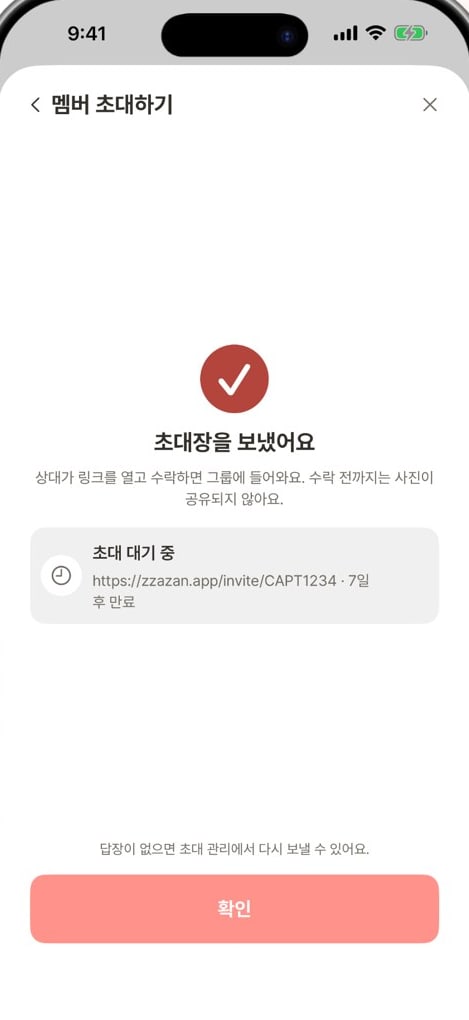
Send an invite link, and they join the group once they accept. Nothing is shared before they accept, and the link expires in 7 days.

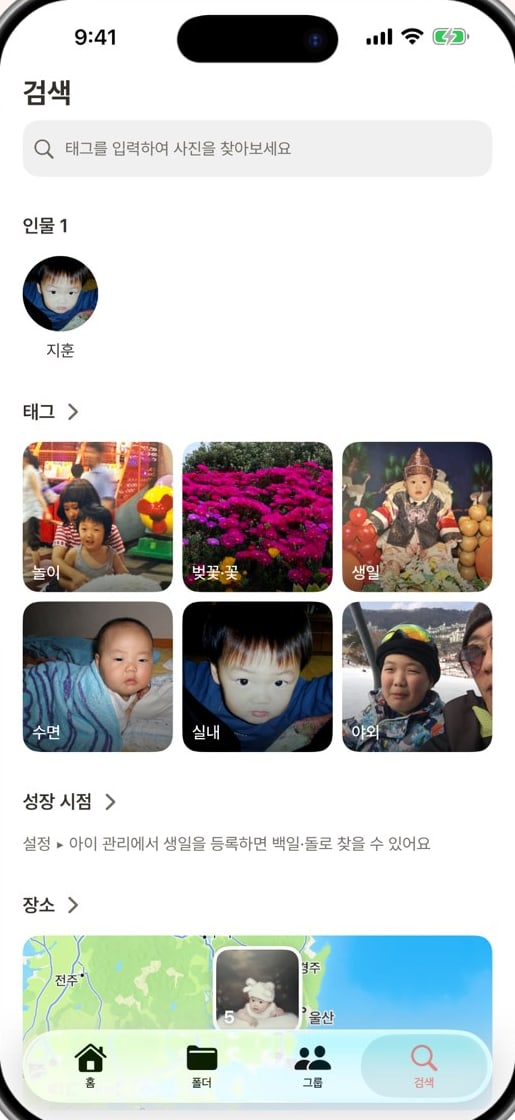
Type a tag and the results narrow instantly. Search works offline, too.
Zzazan handles only what is needed, only within what you consented to, and always in a way you can undo.
Detection coordinates, feature vectors, and unconfirmed face groups are never stored on a server.
Nothing is shared until an invite is accepted, and canceling a share or revoking a permission cuts off access right away.
Shooting regions are worked out only inside our servers — no external service is used to resolve place names.
A child's name, birthday, and tags sync by default once you link a social account; turn it off in Settings and the server copy is deleted right away.
We're preparing the App Store and Google Play releases.